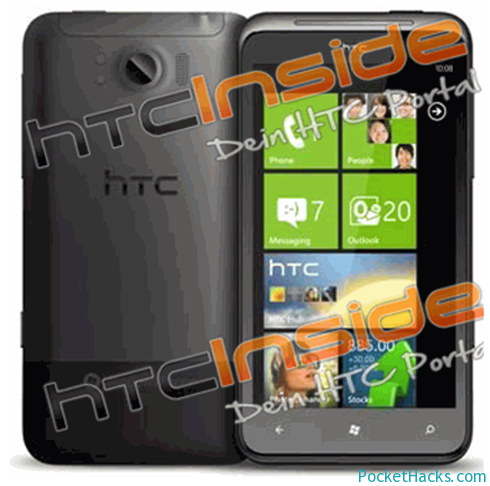
You can safely replace the internal microSD card in the HD7 to increase storage space (up to 32GB cards) and maybe even performance.
Warning: This mod will void your HTC HD7 warranty!
What you need:
- One or two plastic opening tools, you can use this.
- A T5 Torx screwdriver
One of the following microSD cards:
- Sandisk Class 4 8GB microSD – SDSDQ-008G-J35A (used in 8GB version)
- Sandisk Class 4 16GB microSD – SDSDQ-016G-J35A (used in 16GB version, tested)
- Sandisk Class 2 32GB microSD – SDSDQM-032G-B35 (tested)
First you need to disconnect all cables and turn off your phone by pressing and holding the power button, now remove the top back cover, the battery and your SIM card. The red dots on the bottom back panel with the metal strip indicate two hinges which face towards the bottom of the phone. You need to use the plastic opening tools in the green marked areas in the image linked above and thrust the bottom cover towards the battery area to remove it without damaging it. Now if that’s done, get your screwdriver ready and unscrew all the screws marked with the yellow/green circles. One of them has a tiny warranty sticker on it. If you removed all the screws and put them in a safe place, lift up the cover, you can do that using the kickstand, don’t worry, even though you removed two screws there, it’s not loose.
(more…)