How to test fake MicroSD cards for real capacity
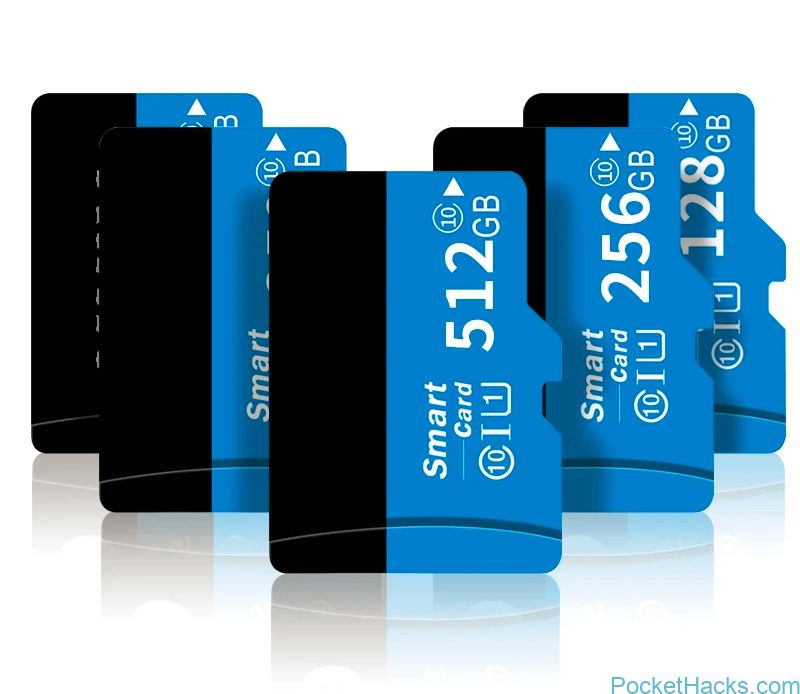
Some no name MicroSD cards with higher capacity The market is now flooded with low priced fake MicroSD cards advertised for larger capacity, you can choose from 32GB up to…
Pocket PC Tweaks and tricks
Some no name MicroSD cards with higher capacity The market is now flooded with low priced fake MicroSD cards advertised for larger capacity, you can choose from 32GB up to…
What we have here is not a regular post about smartphones and tablets, it's about how-to still use the old versions of Skype 3.8 and 4.2 - yeah, the…
The breaking or the damaging of the smartphone screen is an issue that affects a lot of users. In fact, damaging it is very simple: by keeping your smartphone…
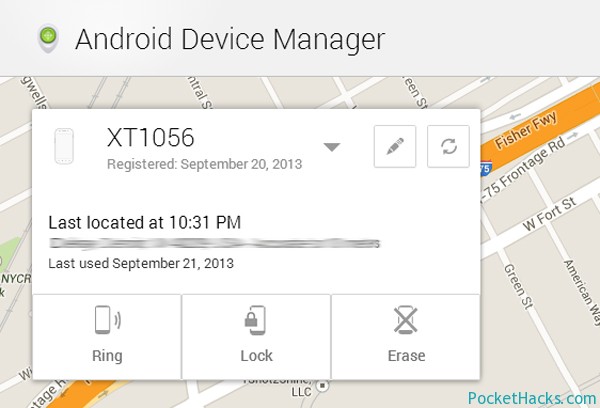
As you may know, Google launched its web-based Android Device Manager a month ago and it helps you to locate and erase your lost phone or tablet remotely. The…

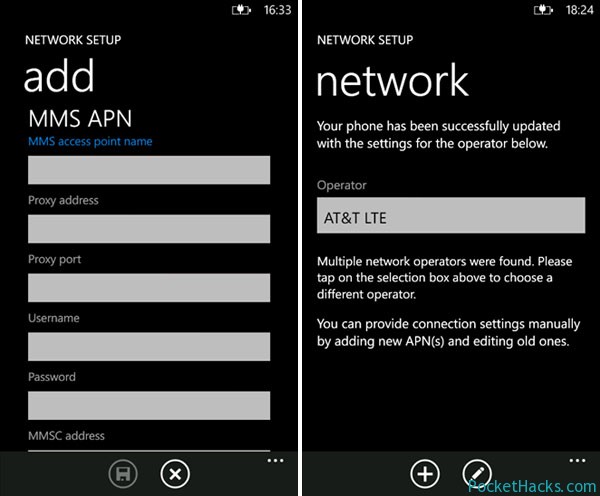
Do you have problems with the MMS content on your Windows Phone 7.x device? I guess you have, the main problem is whenever you received a text message with media content (MMS) – there’s a “Get Media Content” message and you need to click on it, anyway it doesn’t do anything after that (not downloading the actual message).
This is a common issue with the Nokia Lumia phones and the solution might not work for you:
All you need to do is download and install the Nokia Network Setup application, run it and let it find and setup your network settings automatically – that’s it! Now you should be able to download and view the media content inside the MMS message.
Note:
You need to have the cellular data connection turned “On” – you cannot get the picture/video messages over Wi-Fi, so go to Settings > Cellular > Data Connection and make sure it’s turned “On”.
Resize or create your own data.img file for any Android SD build without Linux/Unix distro or command prompt editor, with TopoResize (toporesize-0.7.1.zip) you can do that straight from your Windows PC! With this tool you can create a brand new data.img or add/subtract space from an existing data.img – ext2, ext3 and ext4 file systems are supported.
For example:
You can take a 256MB data.ext4 and make it convert to a 2GB data.ext4 , maximum space possible shown is based on the HDD or SD space left. So you could create a 100GB data.img if the drive had 100GB free space, TopoResize is completely safe to use and won’t do anything to damage an existing data.img file.
The new Samsung Galaxy S III has managed to show us, that it can shoot impressive photos and videos, but there is also room for improvement, especially when a skilled developer decides to tweak around. hyperX is just this kind of developer – he is known for his many software improvements for the Omnia HD and Galaxy S II and now he has set out to modify the S III. So far he has managed to get the device to record 1080p HD video with 30Mbit along with 192kbit audio recording. He has also added options for 24Mbit and 18Mbit video recording at Full HD resolution and 19Mbit, 15Mbit and 10Mbit bitrates for 720p video recording. Sadly though, his attempts at adding 60FPS slow-motion video capture to the Galaxy S III have thus far turned out to be unsuccessful.
The developer has however managed to add some other features, such as the ability to start the camera, while you’re on a call and even to snapping photos while shooting a video, using the volume buttons. Samsung’s restriction for starting the camera, when you have got less than 15% battery has also been removed. Of course, in order to install the modification, root access is going to be required. B. A.
(more…)
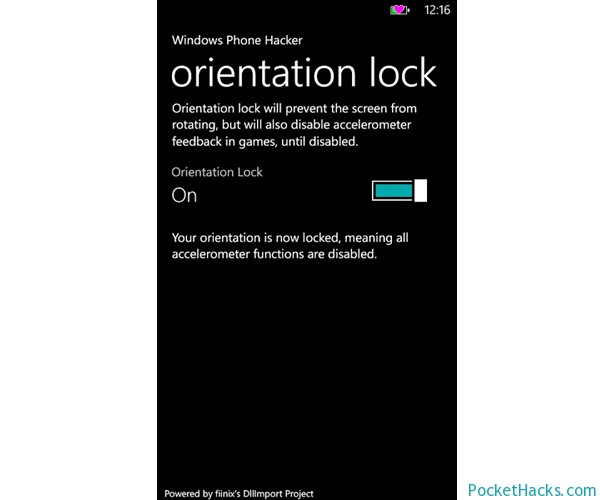
Here is the first orientation lock application for Windows Phone 7! Basically, it locks your device screen orientation (do you remember – this function was built-in on your old Windows Mobile phone :)) by setting the accelerometer to power state D4, then back to D0 to revive it.
This project is created using DllImport:
DllImportCaller.lib.StringIntIntCall(“coredll”, “SetDevicePower”, “ACC1:”, 1, (int)Phone.Network.WiFi.PowerState.D0);
The app is very simple and easy to use, it’s already tested on some devices like HTC HD7, Nokia Lumia 800, Samsung Focus and Omnia 7. Also, we tested it and it works perfect on the HTC HD2 with various Windows Phone 7.5 ROM’s.
Anyway, some HTC devices detects the accelerometer sensor as active, even when it isn’t, to fix this you need to toggling the button back and forth to get it working.
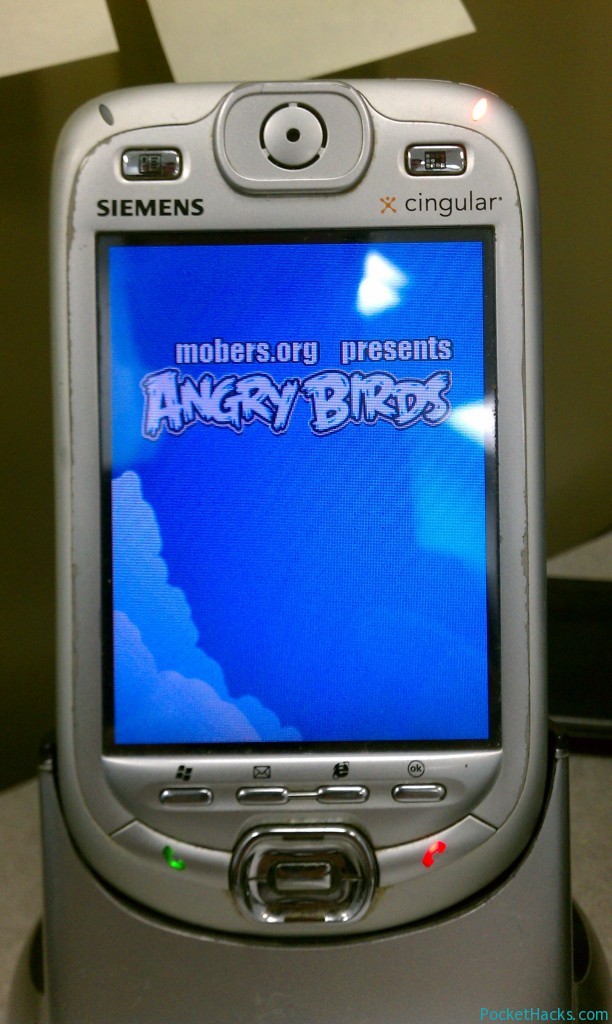
Play Angry Birds on your old Windows Mobile device – that will be great, huh?!
The best part is that you do not even need Android to do this as it is a java emulated version.
And now, you can do it! Just need a Java Emulator for Windows Mobile and Angry Birds in Java. According to zainuintel, the app should be compatible with most QVGA devices running Windows Mobile.