Windows Phone 7 tips and tricks
1. Using the Windows Phone 7 voice controls: Press and hold the Windows key at the bottom of your screen and you can start talking to your phone. Try saying…
1 Comment
November 2, 2010
Pocket PC Tweaks and tricks

1. Using the Windows Phone 7 voice controls: Press and hold the Windows key at the bottom of your screen and you can start talking to your phone. Try saying…
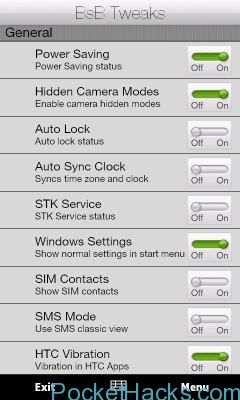
What's inside: Many Tweaks and Reg changes. Rotation: Add rotation support to any applications easily. Pinch to Zoom: Add zoom support to any application easily. Data Connection: Enable/Disable Data connections.…
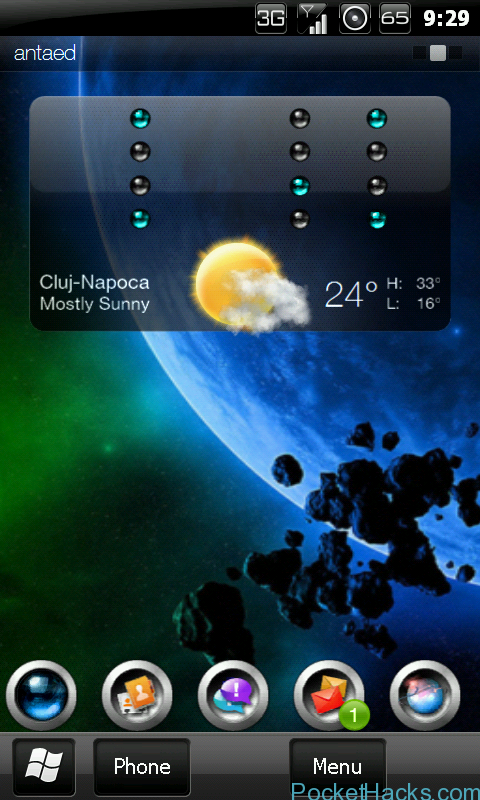
The binary clock works best with Co0kie's Home Tab 1.8+ due to the possibility to disable the digital clock flip animations - see step 4 of the Installation Procedure below.…

The problem with those new devices is that they lack of hardkeys. The HD2, Touch HD, HD Mini and Touch Pro 2 lack of a camera button. Why use the…
Even though your Android is “just a phone” it’s still a full-fledged computer with a CPU, GPU, multiple networking interfaces (WiFi, CDMA, EDGE, 3G, Bluetooth, etc.), RAM, ROM, multimedia, and…

576Mb ROM USERS ONLY Change: HKLM/System/StorageManager/FATFS/CacheSize To: 65536 this tip enables a 32mb filesystem cache. it is unsuitable for 1.66 roms as will necessitate a hard reset. Change: HKLM/System/StorageManager/FATFS/EnableCache To:…

On Android devices, you get some pretty clear and clean icons in the taskbar area, on Windows Mobile, they're not as nice. Thanks to an easy tweak from XDA, you…
Summary: Release memory for Windows Mobile devices. Amazing utility which helps you to clean up the wasted RAM memory without having to restart the device and eventually saves a lot…
