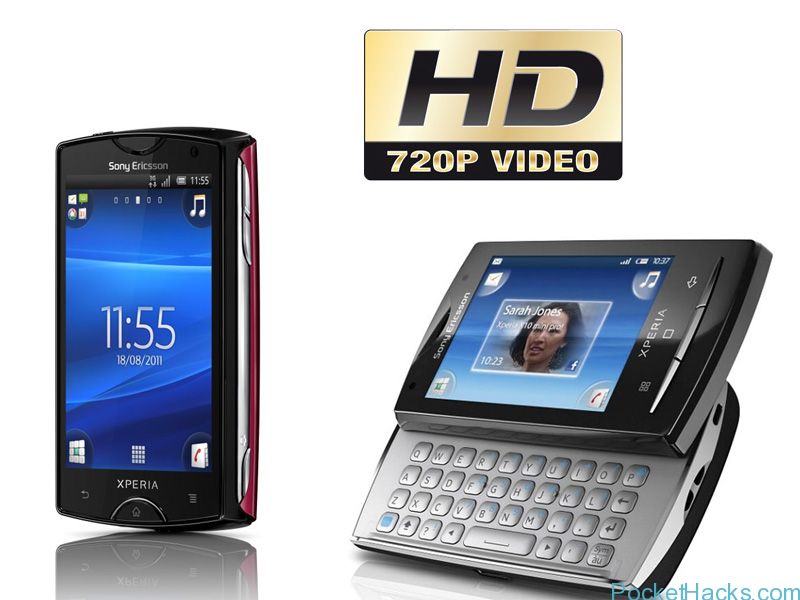
If you still have an old 2011 Sony Ericsson smartphone like Xperia Mini, Xperia Mini Pro or Xperia Active - don't throw it away, you can now use it as…
Some very interesting project is just starting, a developer named winocm posted that he's successfully ported the iOS Darwin kernel to ARM devices, the whole testing process was done on his…
HTC One is the latest flagship device from HTC, the phone is now shipped to the stores worldwide and of course - the customization development and hacking is now…
What a great news, djrbliss - an XDA Recognized Developer just posted a proof of his Samsung Galaxy S4 with successfully unlocked bootloader! The news comes via his Twitter account…
If you have the latest Pdaimatejam Windows Phone 7.8 Rom v8.7 installed on your HTC HD2, there is a problem with the 3G data connection – it’s not working on some networks.
Here we have the official 3G fix from Pdaimatejam, it’s a .cab file so you need to use the Cab Sender:
Connect your HD2 to the PC (make sure Zune is not running)
Start the WP7 Update Cab Sender.bat file
On the Command Prompt screen press “S” to send the .cab file to your phone
Wait for the update, the phone will be restarted
Use the Connection Setup app (from HTC) or Network Setup (from Nokia) to set your connection, in most cases there is no need to enter APN, however if you still have problems just manually add the proper APN for your mobile operator.
Sony Xperia Z is currently available on the market only in Japan and France, but thanks to DooMLoRD from XDA-Developers – root has been achieved on the Xperia Z!
The root is tested on Xperia Z C6603 and C6602 and you should have a firmware version 10.1.A.1.350, unlocked bootloader and fastboot files.
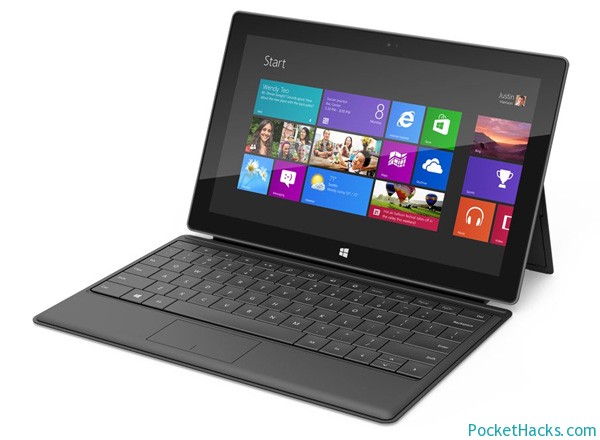
As usual, XDA-Developers is the spot – mamaich just announced a new tool that allows you to run x86 Windows applications on Windows RT (ARM) powered tablets.
The tool emulates x86 instructions and passes the Windows API calls to the Windows RT kernel with some necessary modifications. It’s currently in beta version, but it has an installer and a GUI launcher, the number of the emulated Windows API functions is increased too, anyway it’s still very far from being a perfect solution.This tool supports only 32-bit Windows native applications and it will not allow you to run any type of drivers, .NET apps or DOS programs.
Running x86 Apps on Windows RT
Note: Launching one x86 app from another is not supported yet, installers that decompress themselves and launch additional .exe files would not work at the moment.