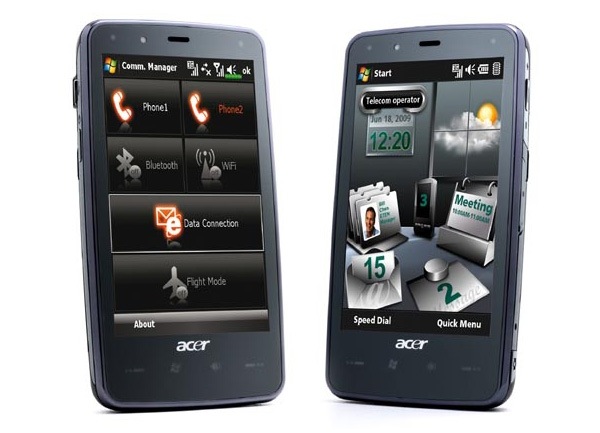
It’s a little tool that shows a customizeable launch pad when you hit the taskbar. If you don’t like this launch pad you can also launch something else instead. You can also say to launch nothing at all, this also disables HTC Notification, Samsung notification if you’re on OMNIA, or the annoying taskbar from newer 6.5.x builds.
Installation
Run the CAB file on your phone. All files are copied into program files directory. There’s also a shortcut installed in \Windows\Startup to automatically launch it after reboot. After installation the Taskbar Launcher is not yet running. Sorry this is only first – no second – beta. So go into the program directory and launch tbl.exe or if you’re too lazy just soft reset.
Usage
Hit the taskbar and then the icon of the program you want to launch. Hit the taskbar again or tap anywhere out of the launcher window to close it. You can also tap and hold anywhere in the window and a little popup menu appears. Here you can stop Taskbar launcher. With a gesture the screen can be rotated. Slide from left to right to rotate counter-wise, slide from right to left to rotate in the other direction. Of course this works also when the launcher popup is still hidden.
(more…)