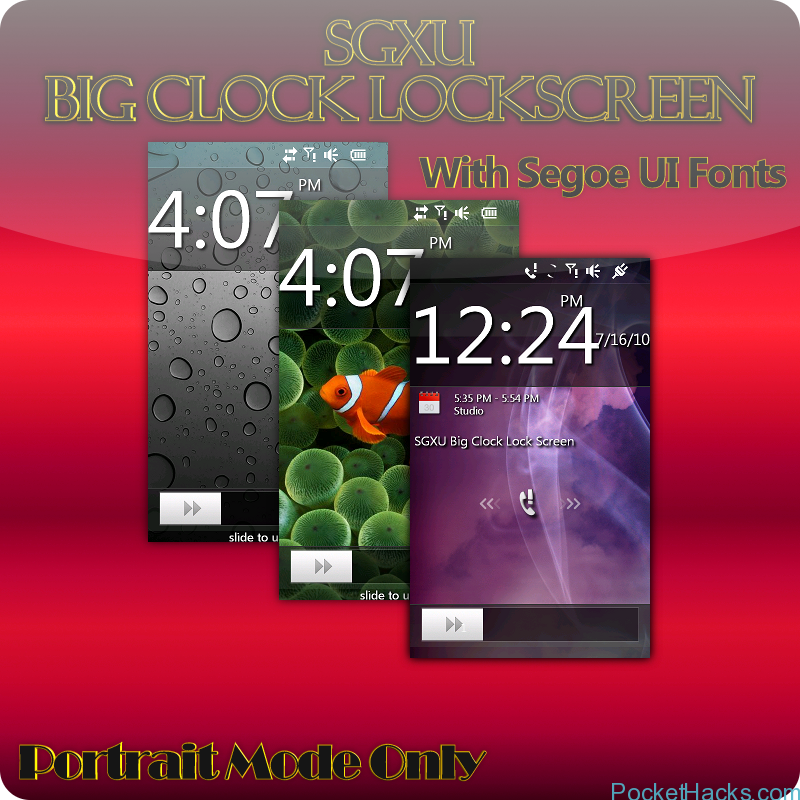
SGXU Big Clock Lockscreen 2.0 for HTC HD2
Download
0 Comments
August 15, 2010

The app’s name is WakeVoice, it’s not yet available in the Android market, but when it does (within “the next day or so”), it may just revolutionize the way you look at your alarm. Using Android’s speech synthesis (TTS) engine, your alarm clock can actually talk to you. It can announce customize message, the weather forecast, and even the latest news.
(more…)

SleepSense detects your movements during the night by using your phone’s accelerometer. It keeps track of all the different phases of your sleep and attempts to wake you during a light sleep phase.
SleepSense uses an adjustable time window (e.g. 30 minutes) before the set alarm time and wake you at the optimal moment. You will feel rested and ready to start the day.
Features:
– Monitors your sleep cycle
– Wakes you up gently
– Alarm clock
– Multiple Alarms
– Choose Sounds
– Choose Pictures
– Run once
– Repeated Alarm
– View your Sleep cycle
– Multiple charts
– Sleeptimer closes your player
– Simple or Advanced mode
– Integrates with the windows Alarm
– Snooze alarm by shaking
– Snooze alarm by turning around
– Multiple Themes
– Multiple Languages
(more…)
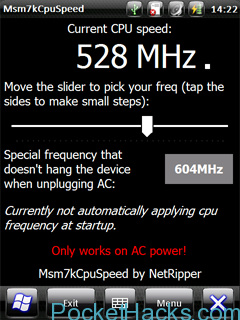
After LeoCpuSpeed to overclock the HD2, there is a program for overclocking the MSM7k SoC on the Raphael, with success. The same processor is present on the Diamond, Rhodium and…
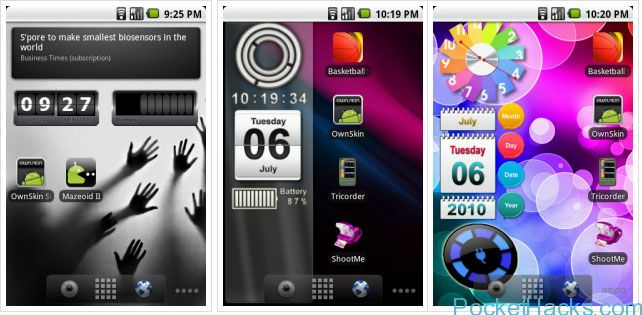
If you’re a fan of Live Wallpaper and want to be able to create your own, Ownskin UGC goes some way to helping you do that. Ownskin provides a few…

HTC has a monster phone coming up to act as the successor to the HTC HD2. According to this leak, the HD3 will have a 4.5" AMOLED display running at…
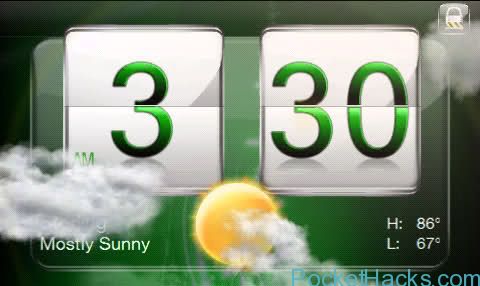
Another set of amazing clocks for CHT and Sense 2.5, this time in jewel style :) Installation Instructions [1st Install]: Download one of the Jewel Clocks attached below. Add it…

This Program is, as the name says, a LockScreen based on the concept of faking a FingerPrint scanner unlock. In reality, it is based simply on how many ‘scans’ it makes of your finger. This was a program idea from here.
Requirements:
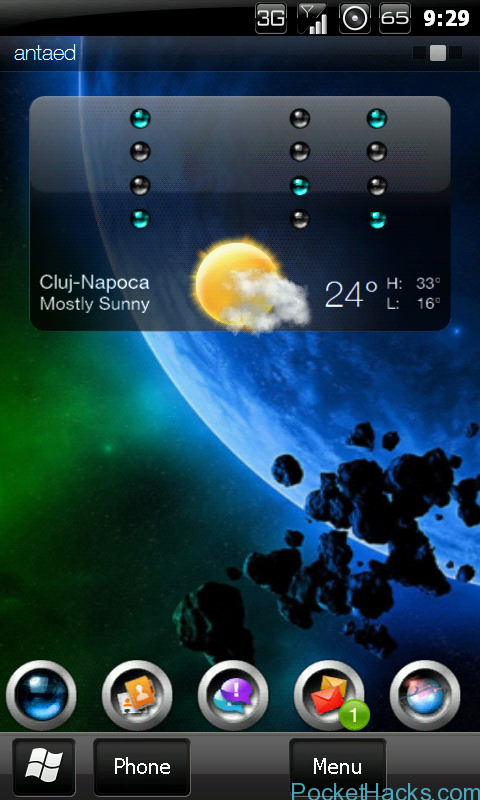
The binary clock works best with Co0kie's Home Tab 1.8+ due to the possibility to disable the digital clock flip animations - see step 4 of the Installation Procedure below.…