GekoTask – finger friendly task sheduler for Windows Mobile phones
Main features & functions: * Smart user interface. GekoTask is designed to achieve the best level of ergonomics and ease of use. All the functions are accessible without using the…
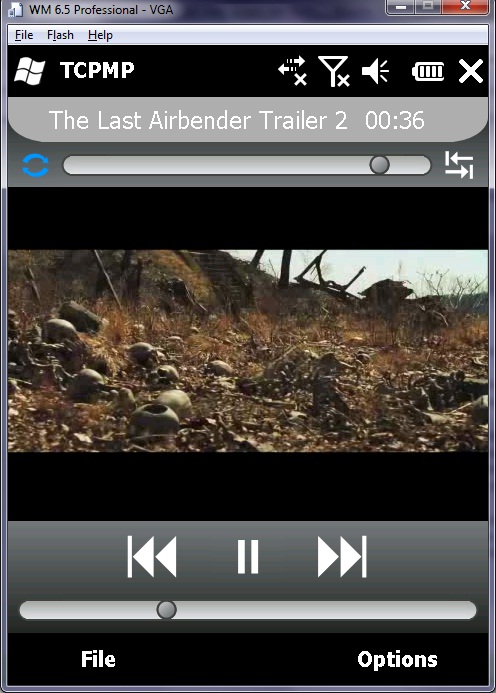
This is the latest TCPMP build for Windows Mobile devices. Whats new in this build: Working equalizer, some updated codec libraries: flac (updated to version 1.21 gains almost the same…
From the creator of KeypadLedControl - which makes the HD2 keypad LED active as long as display backlight is active - comes a new small piece of software that would…
On January 5, Google did something in the style of Apple. A presentation held at the office complex Googleplex in Mountain View, Calif., 11-year-old giant presented Nexus One - a…
THIS IS FOR XDA ATOM LIFE ONLY! (a.k.a. Verzio Envii & XDA Comet ) After flashing M2D version, do not install any application yet, update first the Weather Tab then…
G10's Evo WM6.5 ROM fot HTC Touch HD v1.02 11.02.10Evo What's new: Updated Google Maps to v4.0.0 Footprints Tab working now as it should Updated more packages from the Leo…
Unlike other IMDb apps which parse IMDb pages for information, this app uses the iPhone IMDb API to retrieve information from IMDb.com and display it on your Windows Mobile. The…
Feature: -SYS XIP WM6.5.3 28205 -Office 2010 from 23518 -Dynamic Pagepool -Remove only unneccesary modules like autoupdate and bug reports. -Chinese character display locale supported. Issues: - Video call wouldn't…

It’s a little tool that shows a customizeable launch pad when you hit the taskbar. If you don’t like this launch pad you can also launch something else instead. You can also say to launch nothing at all, this also disables HTC Notification, Samsung notification if you’re on OMNIA, or the annoying taskbar from newer 6.5.x builds.
Installation
Run the CAB file on your phone. All files are copied into program files directory. There’s also a shortcut installed in \Windows\Startup to automatically launch it after reboot. After installation the Taskbar Launcher is not yet running. Sorry this is only first – no second – beta. So go into the program directory and launch tbl.exe or if you’re too lazy just soft reset.
Usage
Hit the taskbar and then the icon of the program you want to launch. Hit the taskbar again or tap anywhere out of the launcher window to close it. You can also tap and hold anywhere in the window and a little popup menu appears. Here you can stop Taskbar launcher. With a gesture the screen can be rotated. Slide from left to right to rotate counter-wise, slide from right to left to rotate in the other direction. Of course this works also when the launcher popup is still hidden.
(more…)