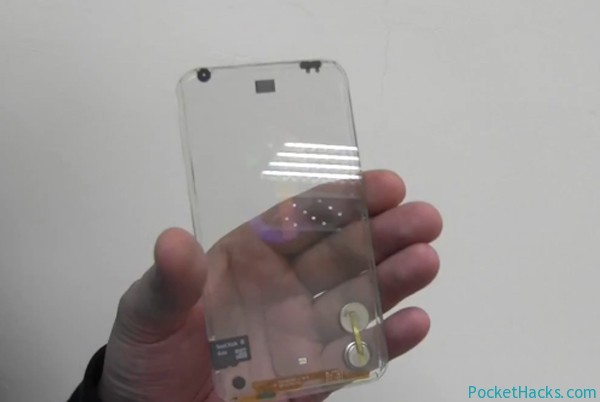
Transparent smartphone - just a dream, or reality? The concept is coming from a company based in Taiwan - Polytron Technologies, and their transparent phone has a two sided multi-touch…
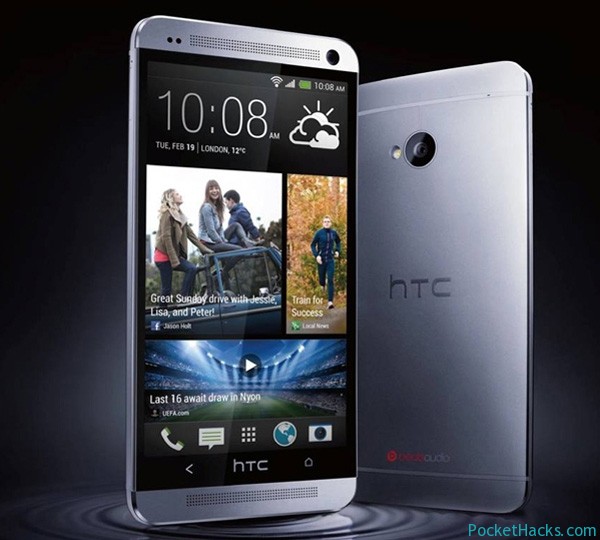
HTC One – 4.7-inch 1080p Display, 1.7GHz Quad-Core Processor and UltraPixel Camera
The wait is over, HTC announced its new flagship device – the new HTC One!
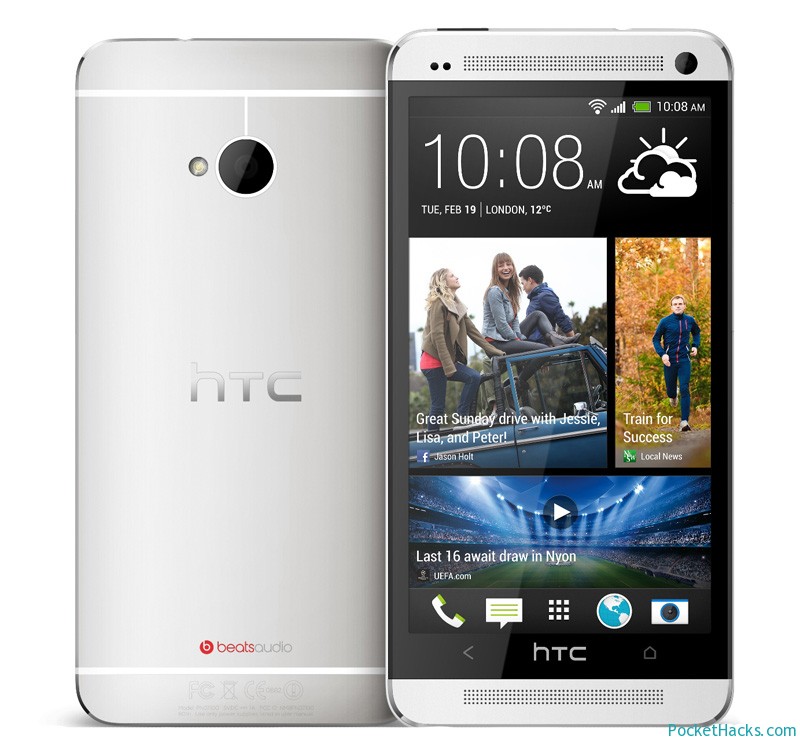
As promised, HTC unveiled its new Android flagship smartphone – the new HTC One at a special event today in London. HTC One is definitely the company’s leading model (at least until the next one came out) and it’s the first HTC device powered by a Snapdragon 600 quad-core processor running at 1.7 GHz.
One of the highlights is the phone’s camera with UltraPixel technology used to improve the image quality and according to HTC the combination with f/2.0 aperture provides up to 300% more light than the conventional sensors allowing it to shoot much better in low light. The camera also supports 1080p Full HD video recording for both front and back cameras + HDR Video mode.
HTC One – officially announced
HTC One tech specs:
4.7-inch Full HD 1080p screen with 468 PPI
Qualcomm Snapdragon 600 quad-core processor at 1.7GHz
2GB RAM
32GB or 64GB of storage memory
Internal GPS antenna + GLONASS support
4G LTE
NFC capabilities
Bluetooth 4.0 with aptX
Wi-Fi a/ac/b/g/n
Infrared remote control
HTC BoomSound
HTC UltraPixel Camera with optical image stabilization, BSI sensor and 1080p HD video recording
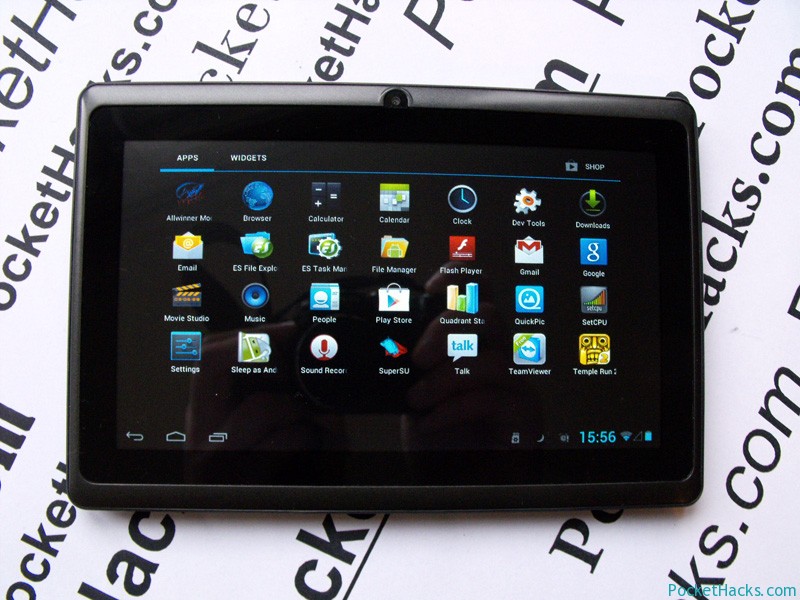
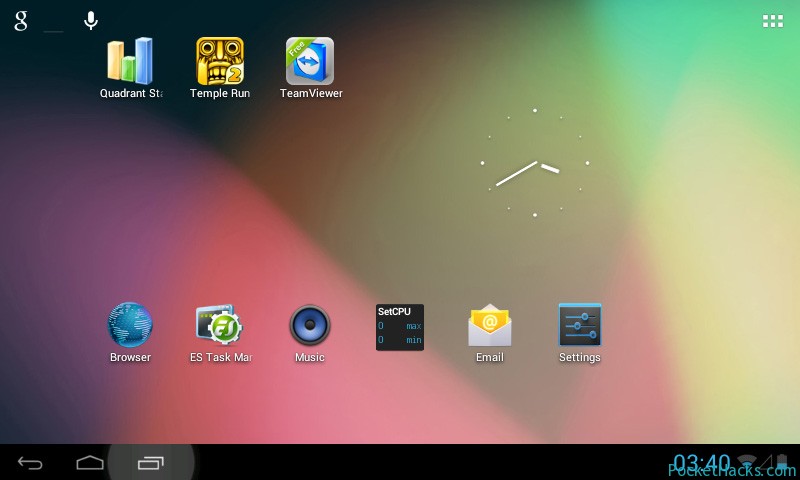
AllWinner A13 tablet with Android 4.1.1 Jelly Bean ROM
The Chinese Android powered tablets are cheaper and offers almost the same user experience and hardware as the high priced devices, they are becoming more and more popular these days and one of the most used platforms is called AllWinner A13.
AllWinner A13 Tablets – Custom Android 4.1.1 Jelly Bean ROM
It’s a single-core mobile system on chip with ARM based Cortex-A8 processor running at 1GHz and Mali 400 GPU (H.264 video encoding support) developed by Allwinner Technology. The A13 tablets are running Android OS 4.0 / 4.0.4 Ice Cream Sandwich pre-loaded and there is almost no official support for them, but here comes the good news – Android 4.1.1 Jelly Bean was successfully ported by toxicro @techknow.t0xic.nl/forum, the ROM is rooted, everything is working and it’s extremely fast!
AllWinner A13 Tablets – Custom Android 4.1.1 Jelly Bean ROM
This ROM is for AllWinner A13 7-inch tablets, there are three models currently available on the market – A13B / A13-B, A13A / A13-A and A13F7 / A13-F7, it should be noted that all of them are available in different colors and under different brands!
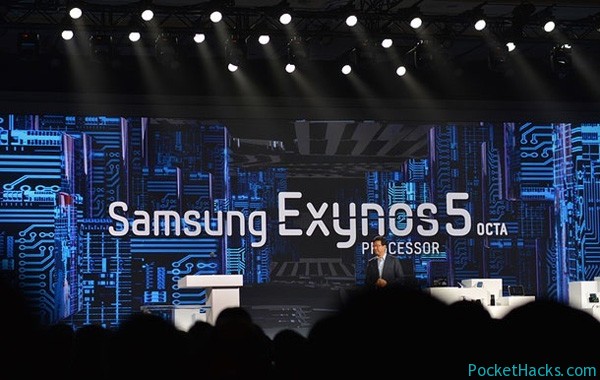
Here is the official video demonstration and overview of the Samsung's first 8-core processor - the new Exynos 5 Octa with ARM big.LITTLE technology. As we have noted, the new…
Mozilla has released its Metro Firefox for Windows 8, the new version is currently in Nightly build (for testing purposes only) and it’s now available for free download. If you want to use it with the new Metro interface, just make sure that it’s the default browser in your Windows 8. There is an integrated option for data synchronization, an option to turn off sites monitoring (to not track you) and of course, the ability to manage your passwords list.
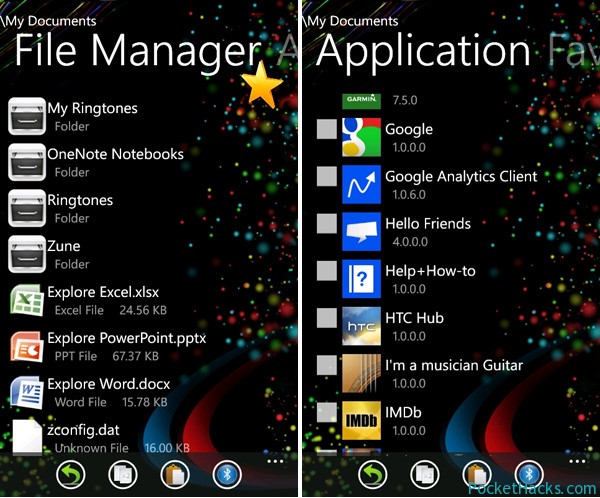
Unique File Manager is the first Windows Phone 7.x file manager with built-in “send via Bluetooth” support, the app uses DFT’s bluetooth driver and it must be installed and activated before you start the file manager.
Unique File Manager for Windows Phone 7.x
App features:
Send any file via Bluetooth
Run any file in Windows Phone 7 that’s located in the registry
Unique File Manager requires a fully unlocked custom ROM on your phone (dev + interop unlock) so if you are running on a stock one, check out the section for your device on XDA-Developers 😀
Resize or create your own data.img file for any Android SD build without Linux/Unix distro or command prompt editor, with TopoResize (toporesize-0.7.1.zip) you can do that straight from your Windows PC! With this tool you can create a brand new data.img or add/subtract space from an existing data.img – ext2, ext3 and ext4 file systems are supported.
For example:
You can take a 256MB data.ext4 and make it convert to a 2GB data.ext4 , maximum space possible shown is based on the HDD or SD space left. So you could create a 100GB data.img if the drive had 100GB free space, TopoResize is completely safe to use and won’t do anything to damage an existing data.img file.
In a recent interview for Bloomberg, the Vice President of Electronic Arts for mobile and social games Nick Earl said that the upcoming game Real Racing 3 will be…