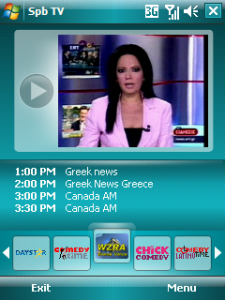
What I actually did was set my desktop in portrait mode, then set it to 720×480, start the Windows Phone 7 Emulator and start Remote Desktop software on the HTC HD2 to control it. Voila!
What I actually did was set my desktop in portrait mode, then set it to 720×480, start the Windows Phone 7 Emulator and start Remote Desktop software on the HTC HD2 to control it. Voila!