Samsung Omnia 4 released in Germany
For business users especially, Windows Mobile still does a lot of things Windows Phone 7 can not, so it is not really such a surprise when Samsung announced the release…
0 Comments
August 22, 2010
For business users especially, Windows Mobile still does a lot of things Windows Phone 7 can not, so it is not really such a surprise when Samsung announced the release…

This one is different than the Samsung Taylor which has been deployed to thousands of developers around the world. It’s possible that it’s a more mature reference design from Samsung (since the Taylor was pretty much an Omnia HD under the hood), or it could be a new Windows Phone 7 device headed to market. It has sharp edges, what looks to be an AMOLED display, a circular indentation surrounding the Start button, plus no front-facing camera.
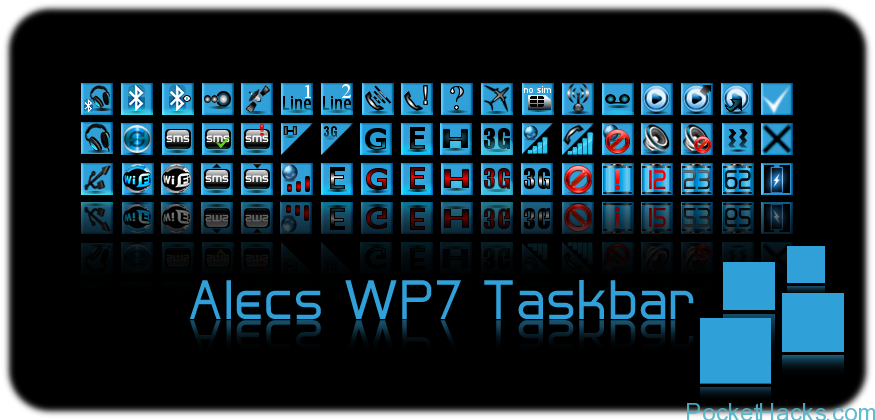
WVGA & VGA QVGA & WQVGA - in progress WM 6.5 & 6.5.X GSM & CDMA (only in v2.0) WWE (English) ROMS only! Users with Non-WWE ROMS 20 June update…

This is wallpaper changer application (WaPaC), to the scheduled wallpaper changing on Windows Mobile Today and on HTC Sense. Tested on Samsung Omnia 2 with Sense 2.5 and everything is…

navmi is a GPS sports application, currently available for Windows Mobile touch screen (professional). It contains lots of DNA from AndyZap's GPS Cycle Computer - and it's now been tested…

This article will include the features of HTC Diamond and Samsung Omnia i900 mobile phones. First the Both mobile shapes: Samsung Omnia i900: HTC Diamond: So let's start the comparision,…

This one is just a little .Net 3.5 program with the most useful tweaks for Samsung Omnia II i920. Tweaks info: -Low Memory sets: ResetDivision = 0 ProgramMem = 17…
We've talked a lot about Swype because it's a really awesome way to input text into your device. It first landed on the Samsung Omnia II on Verizon, and now…


It’s a little tool that shows a customizeable launch pad when you hit the taskbar. If you don’t like this launch pad you can also launch something else instead. You can also say to launch nothing at all, this also disables HTC Notification, Samsung notification if you’re on OMNIA, or the annoying taskbar from newer 6.5.x builds.
Installation
Run the CAB file on your phone. All files are copied into program files directory. There’s also a shortcut installed in \Windows\Startup to automatically launch it after reboot. After installation the Taskbar Launcher is not yet running. Sorry this is only first – no second – beta. So go into the program directory and launch tbl.exe or if you’re too lazy just soft reset.
Usage
Hit the taskbar and then the icon of the program you want to launch. Hit the taskbar again or tap anywhere out of the launcher window to close it. You can also tap and hold anywhere in the window and a little popup menu appears. Here you can stop Taskbar launcher. With a gesture the screen can be rotated. Slide from left to right to rotate counter-wise, slide from right to left to rotate in the other direction. Of course this works also when the launcher popup is still hidden.
(more…)