HTC Touch Diamond new ROM update
HTC just released another ROM update for the HTC Touch Diamond the ROM is now available for download from the HTC website (htc.com) but only through the e-club. As with other HTC ROM updates, in order to download the update you must have an HTC Touch Diamons and have registered it’s serial number through your e-club account. Once you have done this then the download will be available as a “Phone Software Update” in the “My Downloads” section of your account.

The download is just over 98MB in size and the update process takes around 20 minutes to perform. This is a full ROM update so EVERYTHING will be wiped from your Diamond (Internal Storage is Safe) during the upgrade so be sure to backup all of your important data before you begin the update process!
Updated in this ROM:
- Connection Wizard
- EnlargeStartMenu
- TouchFlo 3D
- Volume Control
- XT9
- YouTube
- Other minor tweaks
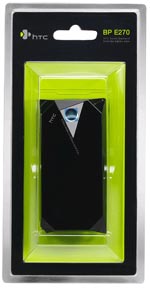
 When we first heard that the HTC Touch Diamond came with only a 900mAh battery we, like many other people, questioned the descision to include such a low capacity battery and wondered if the battery life would suck. However, when questioned about the battery life at the Diamond launch event HTC themselves commented that there was nothing wrong with the battery life but that there would be an extended battery made available soon!

 All known service manuals for HTC devices (pdf files).