Halo: Spartan Assault was officially announced for Windows Phone 8, the game will be available on the market this summer and here is the first video trailer. Sadly, Halo: Spartan…
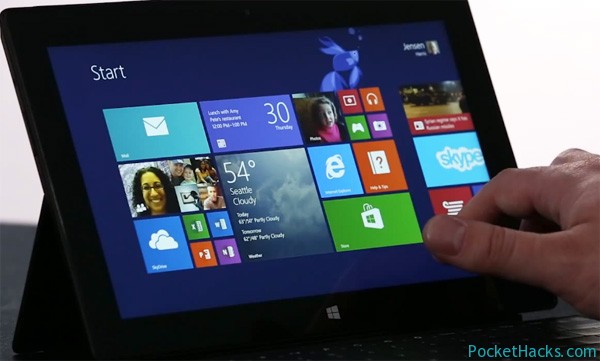
Here is the first official video preview from Microsoft about the new Windows 8.1 - it was officially announced just a week ago and the new version will be…
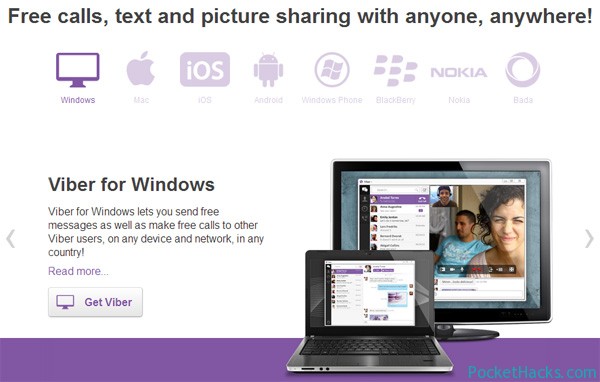
Viber, one of the best and most popular mobile apps for free voice and video calls is now available for PC and MAC! The latest version of Viber 3.0 offers…
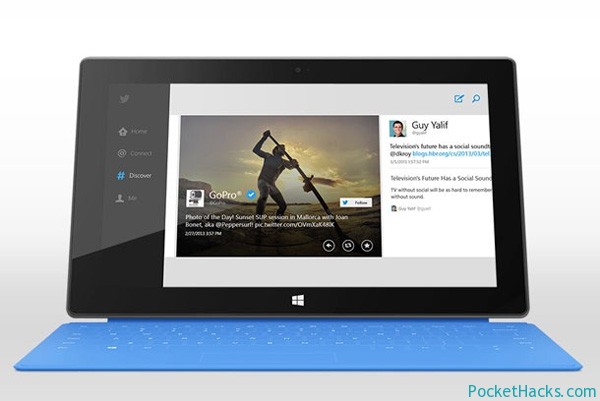
Twitter's long-awaited application for Windows 8 is now available for free download in the Windows Store. Along with the standart sections - Home, Connect, Discover and Me tab, the application…
Mozilla has released its Metro Firefox for Windows 8, the new version is currently in Nightly build (for testing purposes only) and it’s now available for free download. If you want to use it with the new Metro interface, just make sure that it’s the default browser in your Windows 8. There is an integrated option for data synchronization, an option to turn off sites monitoring (to not track you) and of course, the ability to manage your passwords list.
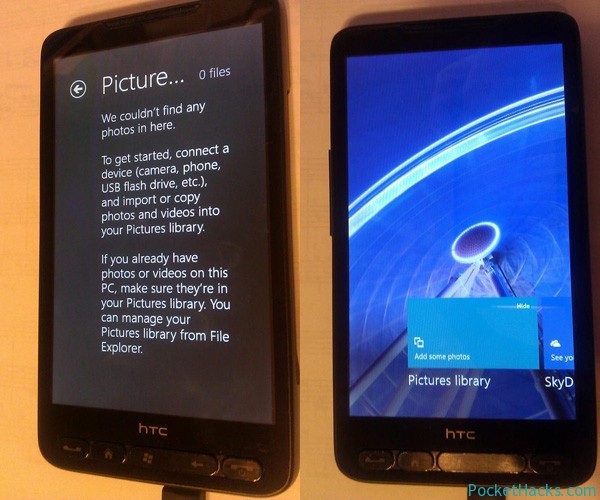
It seems that the Windows RT project for HTC HD2 is keep going and going, here we have a set of new photos coming from Cotulla’s Twitter account (twitter.com/CotullaCode/).
HTC HD2 running Windows RT
As you can see from the photos, Windows RT runing on the HD2 looks like Windows Phone a little bit, and especially the Store screen. Windows RT user interface is running extremely well on a 480×800 resolution, there’s no overlapping or graphic artifacts, the Metro Internet Explorer start-up time is around 6 seconds – pretty good for a 1GHz single-core processor and only 576MB of RAM without any optimizations to the browser 😀
Finally, here is the new Windows RT jailbreak tool by netham45 @ XDA-Developers, an all-in-one program to jailbreak Windows RT tablets using the method recently released by clrokr. With this one, you can run any unsigned or custom desktop application!
How-to use it:
Boot your Windows RT tablet and log-in, allow it to sit on the desktop for about a minute
Run runExploit.bat, wait for it to do it’s thing (shouldn’t be more than 20-30 seconds)
Press Volume Down
Wait for runExploit.bat to finish, answer any prompts it gives. They should all be fairly self-explanatory
Note: you need to run the jailbreak tool on every system start-up, it will stop working if you do a soft reset!
Dell unveils their latest Windows 8 powered tablet - the new Latitude 10 Essentials, it features Intel Atom Z2760 processor running at 1.8GHz, 2GB of RAM, 10-inch IPS screen…
Finally, a Dropbox application is now available for Windows 8 & Windows RT, the new app can be found @ the official Windows 8 App Store, it will hardly…