Update doesn’t work at all / stops at 1%
Short answer: Your device is needs HardSPL. See links at bottom to get it, read on to understand the difference between Standard/Developer Edition!
Long answer:If your Diamond refuses to be updated completely, you’re probably missing HardSPL. The SPL is the device’s bootloader. It controls what can be flashed and what not. In order to flash anything not signed by HTC or your cell operator, you will need a “custom” version, called HardSPL.
There is two versions of HardSPL, the links are at the bottom, but please continue reading the next section before downloading.
Update stops at 0%
Short answer: You’re running the normal HardSPL and you’re trying to flash an unsigned (not signed by olinex) ROM. You need the developer version which fixes the 0% issue. Link is at the bottom of this post. Read on to understand the difference between Standard/Developer Edition!
Long answer: First you need to understand that there are two definitions of “signed”. HTC and the mobile operators sign ROMs so that the RUU flash utility allows them to be flashed. Usually this is what the word “signed” in the filename means.
Then there is another definition of signed: The developers of HardSPL introduced their own signing process. They want to ensure that people flashing cooked ROMs can rely on a certain quality standard. The normal version of HardSPL will only allow ROMs signed by OliNex to be flashed. If the ROM you are about to flash is signed, it will say so in the thread you got it from. If it isn’t signed, you will need the developer version of HardSPL. That one will allow any ROM to be flashed. Get it at the bottom of this posting.
A note on this: The signing process by olinex makes sure that the ROM you’re about to flash won’t brick your device. It doesn’t mean all other ROMs are necessarily evil.
Update stops at 5%/Invalid Model ID is displayed
Short answer: The model ID hardcoded in the ROM image doesn’t match the ID of your device. Read on for a fix.
Long answer: Don’t Panic. Your Device isn’t broken 
Each Diamond Model has it’s own ID. My German MDA Compact IV is a DIAM200. Other models are DIAM150/DIAM300/DIAM100….
Now ROMs might be configured to be flashable to a specific Model ID only, even though technically they would work fine on any Model ID.
In that case the ROM needs to be “reconfigured” – this process works for full ROMs as well as Radios.
- If you are running a foreign Version of Windows or have Regional Settings other than English US configured, please set them to English U.S. temporarily. Otherwise NBHUtil will not function correctly.
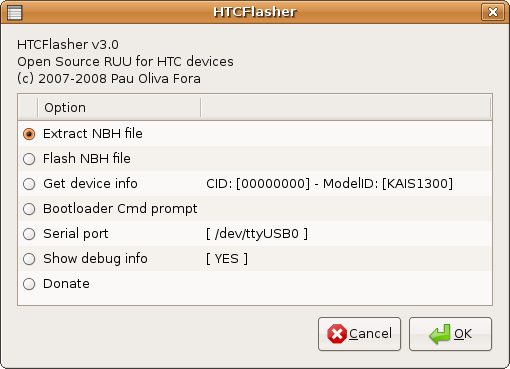
- First you’ll need OliPro’s NBH Util (0.92 works for the Diamond).
- Fire it up, switch to “Extract NBH”
- Select the nbh of the ROM/Radio to be flashed and hit Go
- Extract the components you need. Radio/Splash/OS. If there’s an SPL in there, you can safely discard/ignore it. You have HardSPL for that.
- Make note of the Target CID, Version, Language and Chunk Size. FYI the Model ID is the problematic setting here. If it says DIAM10000 and you have a DIAM300 you’re screwed.
- Switch to the Build NBH tab and select the Diamond as target
- Note how the Model ID is preset to DIAM*****. The wildcard allows any device
- Change target CID, Version, Lang & Chunk size to the values you wrote down.
- Select each saved component under the NBH items
- Hit Build NBH and save the file as RUU_signed.nbh to a folder of your choice and flash it with the DiamondCustomRUU.exe or ROMUpdateUtility.exe
- Donate to OliPro because he just made your device useful
(more…)


 The first ROM with Windows Mobile 6.5 modules is here. Posted by