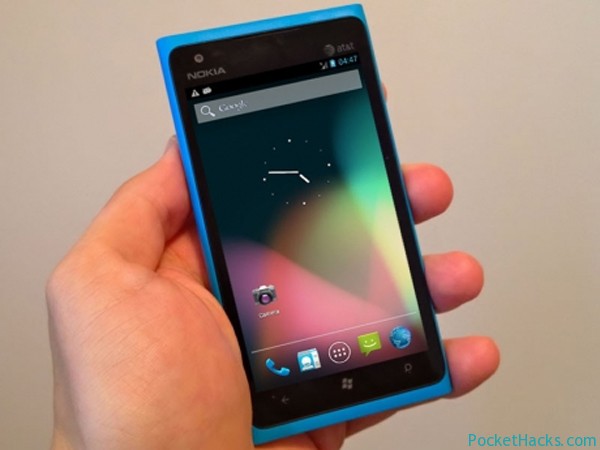
Android powered smartphone from Nokia? Wait, what?! According to the latest rumors the company is preparing a new phone running Android OS, it's codenamed "Mountain View" and that's not…
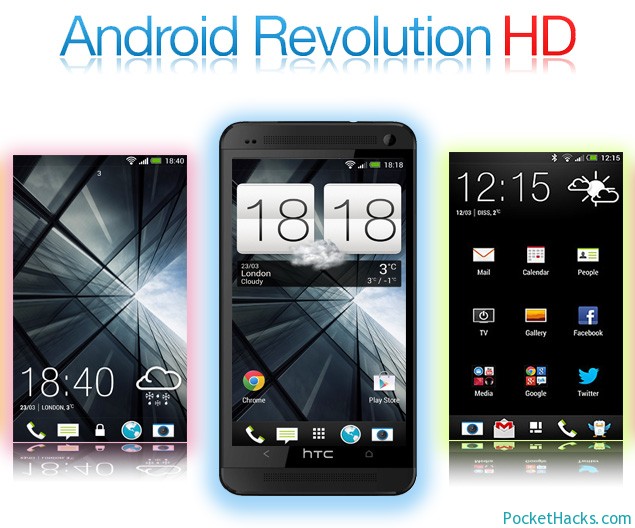
Android Revolution HD – the most popular custom ROM for HTC One, it’s very fast, rock stable, with stock look and great dev support!
The ROM is based on the latest HTC One 3.17.502.2 firmware (Android 4.3.0 Jelly Bean / 2x.x series) and full HTC Sense 5.0 interface, this is an improved version of the stock ROM, so there’s no visual changes.
Android Revolution HD ROM details:
Multi-language (WWE)
Removed software (CPU) rendering – full Snapdragon 600 (GPU) rendering
Fully optimized and tweaked
Root access
Unsecured boot.img
Newest BusyBox
RAM optimizations
System signatures check enabled for system security and safety
Improved virtual memory management
Speed optimizations
Enabled GPU UI rendering
Data, cache and system partitions mounting tweaks
Bloatware applications removed
All /system applications updated to latest available
All /data applications updated to latest available
Improved CPU governors performance
Most optimal system scheduler
Disabled kernel debugging for better performance
Zipaligned (Improved RAM management)
Zipalign on boot (for user applications on data partition)
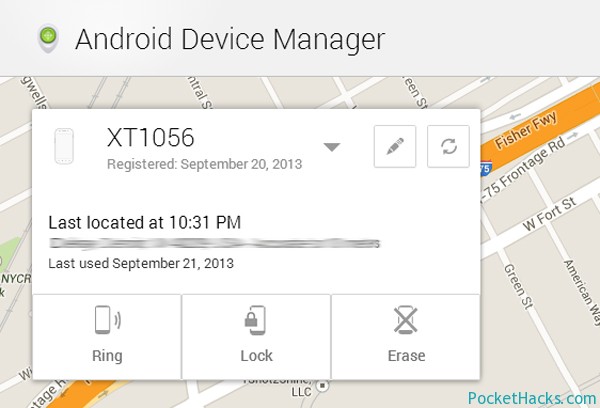
As you may know, Google launched its web-based Android Device Manager a month ago and it helps you to locate and erase your lost phone or tablet remotely. The…
Here is the biggest collection of 1080×1920 HD wallpapers for your HTC One, thanks to neilmc1983 from XDA-Developers! Of course, you can use the wallpapers on any device you want 🙂 .
How-to guide:
Download the .zip archive on your PC, then extract it to a folder, copy the extracted folder over to your phone, now all the pictures would be showed in your phone’s gallery – that’s it, just select an image and use it as a wallpaper.
Google just released the latest version of Google Maps v7.0 for Android devices running an OS version 4.0.3 and later. The update brings a new clean & more stylish user interface for both – smartphones and tablets, dynamic re-routing, live traffic updates, incident reports, the new “Explore” function to find places to eat, drink or shop and lots more new features.
Just like in the iOS version, if you find any errors or something different from the maps, there’s a feature to send a report to Google just with a shake of your phone.
Of course, some of the old stuff is missing – My Maps and Latitude are just removed and sharing places now can be done via Google+. To start using the offline maps feature, you need to type “OK Maps” in the search field and the map will be downloaded automatically.
Thanks to nicedude_abad from XDA-Developers, here is the latest MIUI V5 ROM for HTC HD2. It’s based on Android 4.1.2 Jelly Bean and provides a fresh user experience with the latest Cloud services, security and backup tools.
Note: There’s no Google Play store app inside, so you need to install it via Gapps (search for it) or download the MIUI Super Market app.
How-to install the MIUI V5 ROM:
Do a Task 29
MAGLDR
CWM (change flash.cfg as follows):
misc ya 1M recovery rrecov|ro|nospr filesize recovery-raw.img boot yboot|ro 5M system ya 300M cache ya 2M userdata ya|asize|hr allsize
Download the ROM and install it via CWM
This one is really a good ROM, so give it a try and share your thoughts 🙂 .
The official Android 4.2 update for HTC One is already available and it brings a lot of changes (it's quite big too - 400MB of files!). If you're still…
Finally, here is the official Android 4.2.2 update for HTC One, it's currently available only in Taiwan for the 801e (M7_U) version of the phone. The update is with…


![Read more about the article Android MIUI V5 custom ROM for HTC HD2 [NAND/NativeSD]](https://pockethacks.com/storage/2013/07/htc-hd2-android-miui-v5-jelly-bean.jpg)

