Instagram for Windows Phone?
It looks like that Instagram may release an application for Windows Phone, the information is leaked from the Chinese website WPDang, which published a photo of Nokia Lumia 620 with…
1 Comment
March 12, 2013
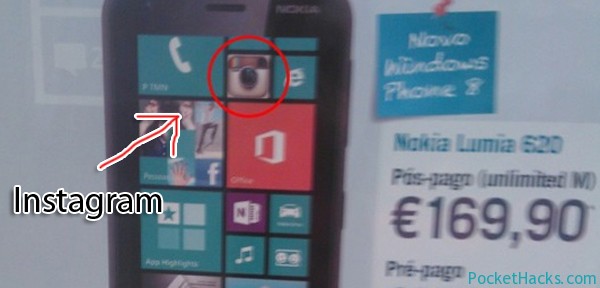
It looks like that Instagram may release an application for Windows Phone, the information is leaked from the Chinese website WPDang, which published a photo of Nokia Lumia 620 with…
Here is the latest "Meet Your Match" challenge, this time Ben puts $100 on the line that his Nokia Lumia 920 powered by Windows Phone 8 is faster at finding nearby…

GetThemAll is a Windows Phone download manager that allows you to grab video, audio, images and other content from any webpage and download to your Windows Phone. The new…
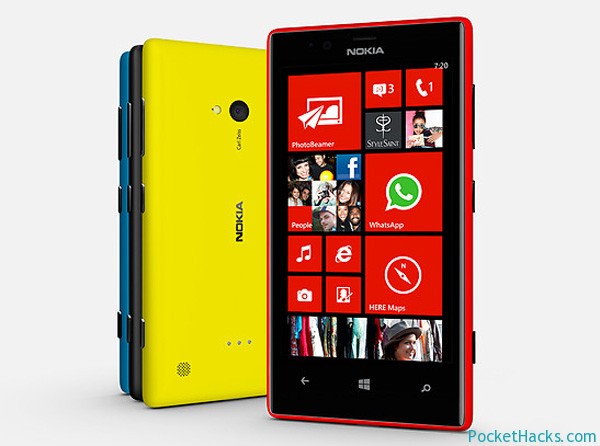
Nokia Lumia 720 was officially announced at MWC 2013 in Barcelona and it's one of the thinnest phones from the Lumia series! Lumia 720 is a mid-ranged Windows Phone 8…

This ROM is based on the latest official Nokia firmware, OS version 7.10.8858.136 (Windows Phone 7.8) and it’s fully unlocked – native application support, selective root access for applications, root access usage notifications and enhanced security.
What’s new:
Note – you need an unlocked bootloader on your Nokia Lumia 710 to flash this custom ROM, more info!

If you are still not getting the latest Windows Phone 7.8 update pushed to your device, here we have a step-by-step guide on how to manually force the update.

The first Windows Phone 7.8 update method is through Zune:
Note: Depending on what OS build you have installed, you may be prompted for several OS updates, the final build is 8858.

Unique File Manager is the first Windows Phone 7.x file manager with built-in “send via Bluetooth” support, the app uses DFT’s bluetooth driver and it must be installed and activated before you start the file manager.
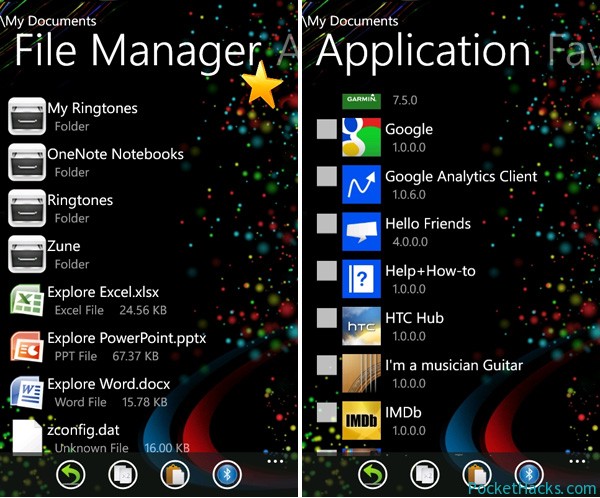
App features:
Unique File Manager requires a fully unlocked custom ROM on your phone (dev + interop unlock) so if you are running on a stock one, check out the section for your device on XDA-Developers 😀
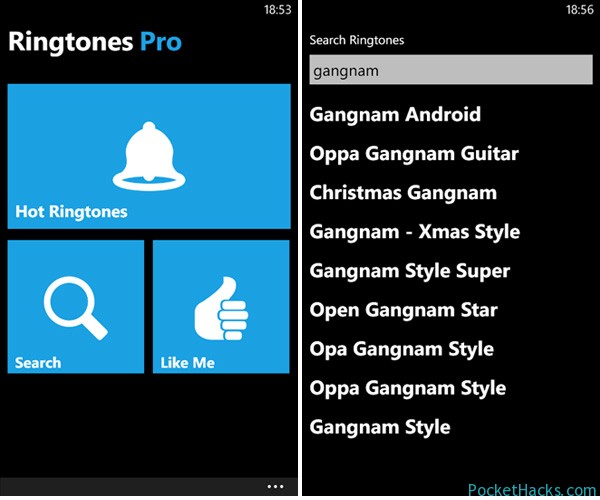
Ringtones Pro is a simple and convenient ringtones downloader for Windows Phone, you can download and listen hundreds of high quality ringtones for free! Features: Search and listen to…

Spotify is finally available for the new Windows Phone 8 OS, it's still in beta version but if you want to try it, there is a 30 days of…